Complete PDF Tools Guide: Merge, Split, Convert, Compress and Protect
PDF · Published 2026-11-13 · Updated 2026-11-15 · 9 min read · By Tool Magic Lab Editorial Team
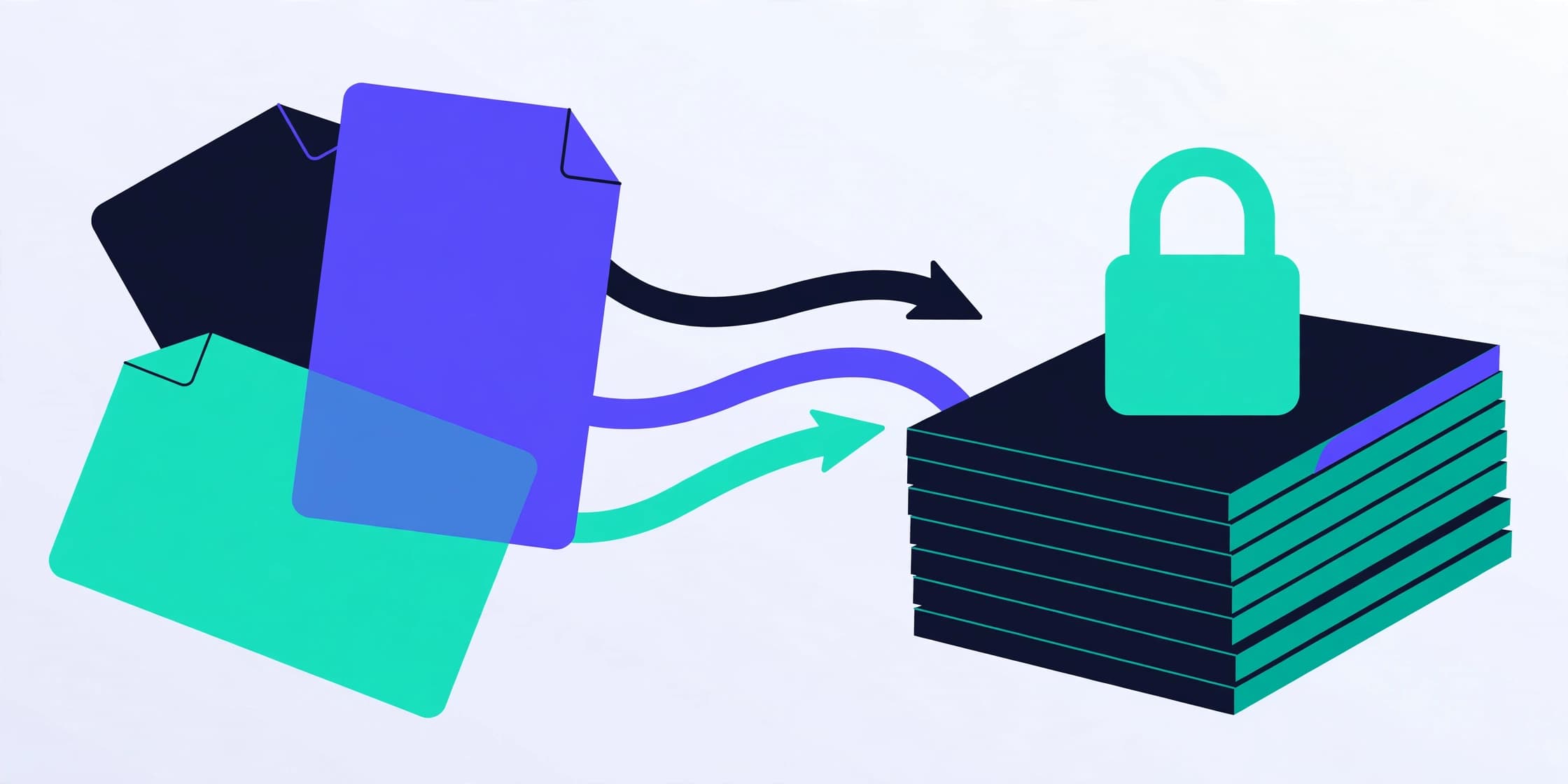
Table of contents
PDF is the filing cabinet of digital life — contracts, invoices, statements, manuals, applications — and a small set of operations covers nearly everything people need to do with it. This guide organises the toolkit by job rather than by tool name, and is frank about the boundary between what your browser can do privately and what genuinely needs heavier machinery.
Organising pages: merge, split, reorder, rotate, delete
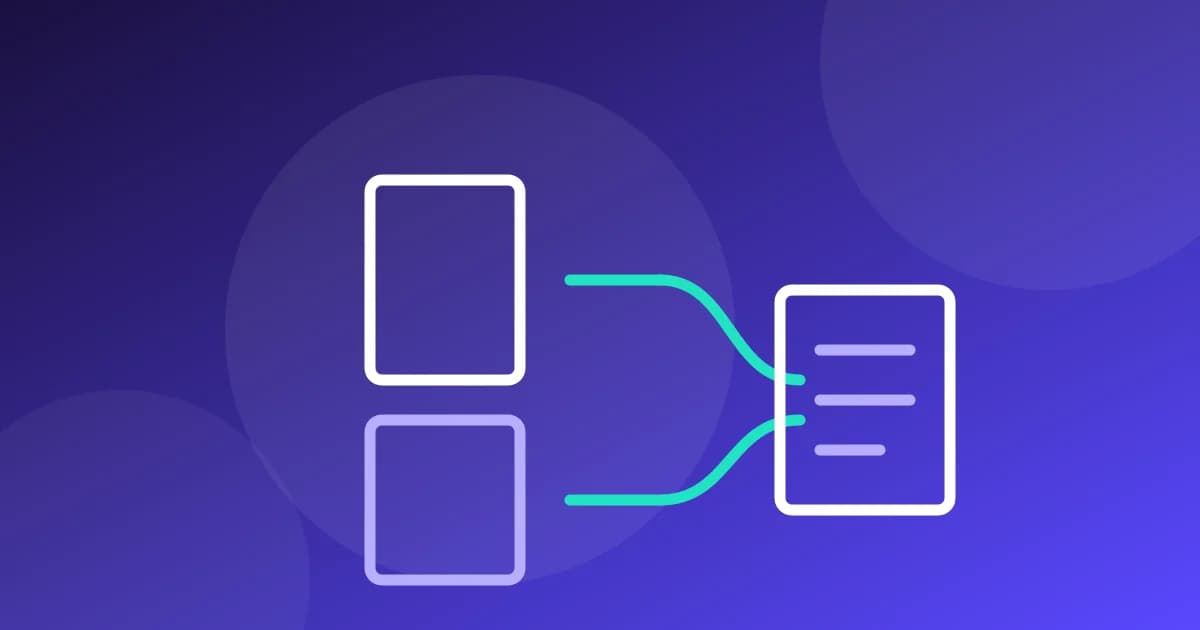
Page surgery is the most-used PDF work and the easiest to do well, because it manipulates page objects without interpreting content. Merge combines files in your chosen order (our step-by-step merging guide covers the checks that prevent scrambled contracts). Split extracts a page range or bursts a file into singles — the standard move before merging only part of a document. Reorder and delete fix the scans that arrived shuffled; rotate permanently corrects orientation rather than trusting a viewer's display setting. All of these run in your browser on Tool Magic Lab with pdf-lib, so the document never leaves your device — the correct default for anything confidential.
Converting: the honest difficulty ladder
Some conversions are deterministic: PDF pages to images (choose DPI, get pictures), images to PDF (the phone-scan workflow), PDF to plain text (extraction of the character stream). Some are inference: PDF to Word reconstructs paragraphs and tables from positions and can only approximate complex layouts. And one is a different discipline entirely: OCR, which creates text where a scan has none. Our conversion guide explains each rung. The practical rule: the more a conversion must *understand* the document, the more you must verify its output — page counts, one complex page inspected, one distinctive word searched.
Compressing: what is actually possible
A PDF is heavy for identifiable reasons: embedded images at print resolution, unsubset fonts, accumulated edit history. Browser re-saving (what our PDF Compressor does) strips structural waste and typically wins a modest percentage — honest tools show before/after numbers so you can see whether it helped. Serious shrinkage of scanned files means re-encoding images at lower resolution, which is server-class work with real quality trade-offs. Anyone promising '90% smaller, identical quality' on arbitrary files is describing arithmetic that does not exist; judge every compressor by the output file, opened and inspected, not by the claim.
Extracting and editing metadata
PDFs carry metadata — title, author, producer, timestamps — that travels with the file into clients' inboxes and public archives. The Metadata Viewer shows what you are about to share; the Metadata Editor fixes a wrong title or an embarrassing author string; re-encoding through the metadata remover strips the lot for privacy. Content-level edits are also common: watermarking drafts and confidential copies, adding page numbers and headers/footers to assembled reports, and filling forms. Each is a page-content operation the browser handles well.
Protecting: passwords and their limits
Password protection encrypts the file so it cannot be opened (user password) or restricts printing/editing (owner password) without the key. Set passwords you can store properly — an unopenable contract is its own incident. Unlocking is legitimate only with the password and the right to use it; Tool Magic Lab's unlock tool works on that basis and no other. Remember the boundary: PDF permissions are respected by honest software, and encryption strength depends on the password's strength, not the padlock icon.
Choosing where a job runs
- Page surgery, images↔PDF, text extraction, metadata, watermarking, page numbers: browser — private by architecture.
- OCR, high-ratio scan compression, perfect Word reconstruction: server-class — use a provider whose retention policy you have read, and never for documents whose exposure you cannot accept.
That single distinction, checked per job, is most of PDF safety. The rest is verification: open the result, count the pages, read a page. PDFs reward the thirty-second check more than any other format, because they are so often the final, sent version of things.
Frequently asked questions
**Can I edit the text inside a PDF with these tools?** Page-level operations yes; rewriting a paragraph inside a frozen layout needs a PDF editor or the source document. Anyone whose workflow depends on it should keep source files, not just PDFs.
**Why is my merged PDF's bookmarks panel empty?** Simple mergers rebuild the page tree and may drop outlines. If navigation matters, use a full editor for that document.
**Are browser PDF tools really private?** Yes — processing happens on your device; the disconnect test proves it: load the page, go offline, and the tool still works.
Written by the Tool Magic Lab Editorial Team. Tool Magic Lab content is produced with AI assistance and editorially reviewed for accuracy — see our AI Usage Disclosure and Editorial Policy.